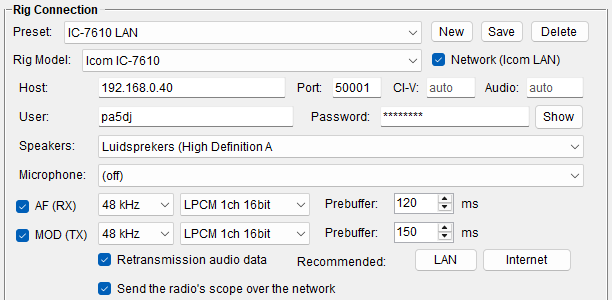
- On the radio: switch on its network server and make a user with a password (on an IC-7610: MENU → SET → Network). Note the radio's IP address.
- Settings → Rig Control, pick your Icom as Rig Model and tick Network (Icom LAN) beside it. The serial fields make way for the network ones.
- Host: the radio's address. Port: 50001, the radio's default. CI-V and Audio can stay on auto (port + 1 and + 2) - fill them in only when a router forwards them to other ports, for a second radio or a station on the internet.
- User and Password, as set on the radio. Show lets you check what you typed.
- Save it as a preset, and press Connect on the main window.
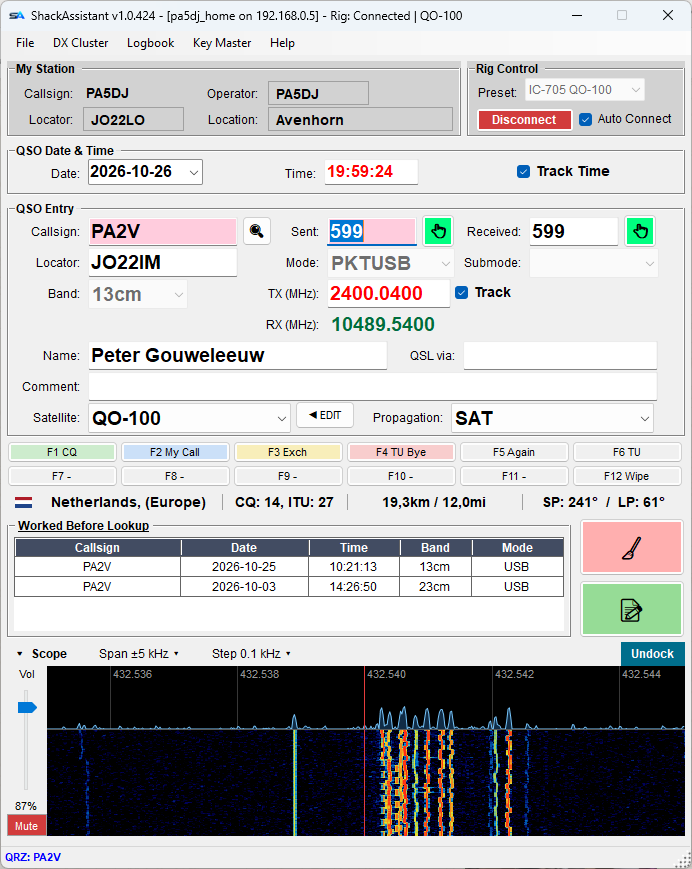
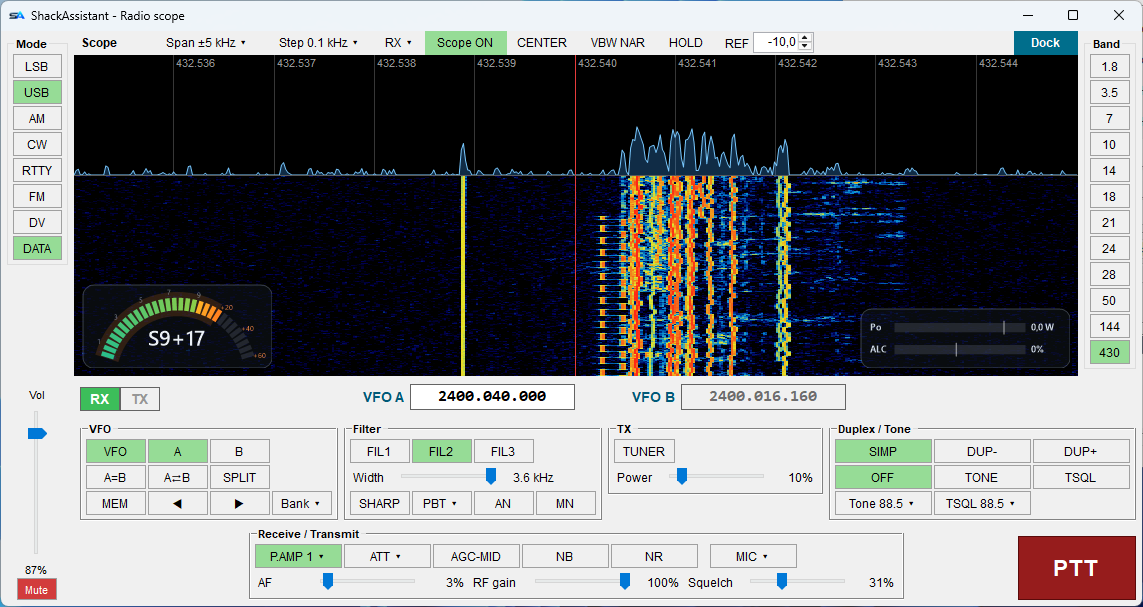
From there on it is an ordinary rig connection: the frequency follows the radio, a clicked spot tunes it, and WSJT-X can share it through the rigctld server. Closing ShackAssistant signs off from the radio properly, so the next start - or RS-BA1 - finds it free.
The radio allows one network user at a time. While ShackAssistant is connected, RS-BA1 or wfview cannot be, and the other way round.