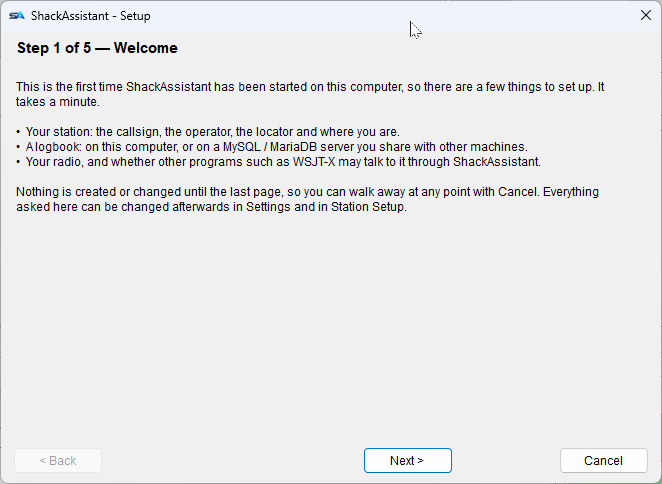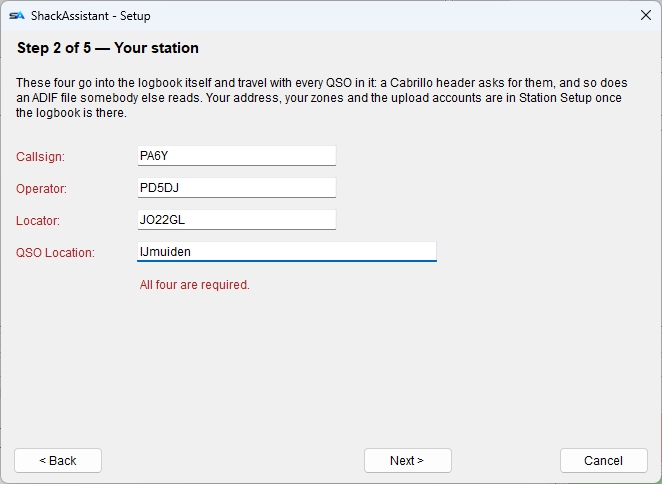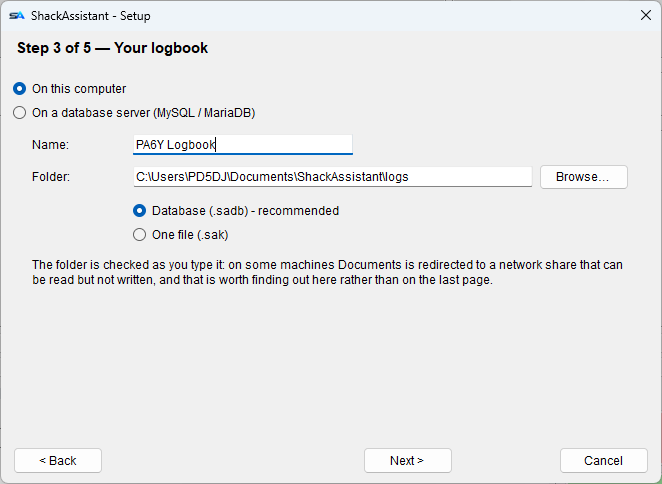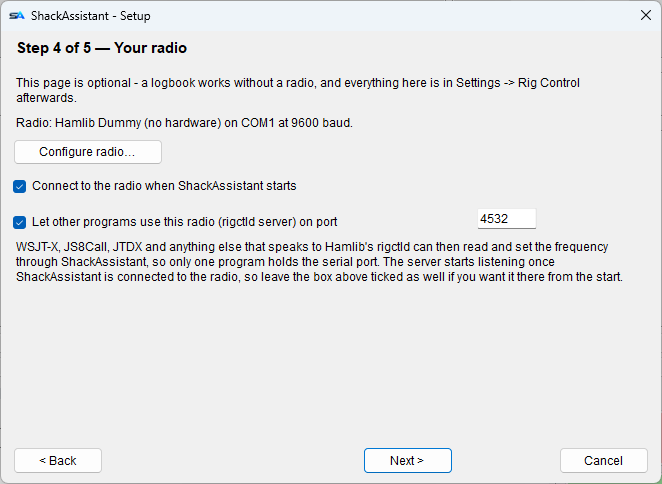
- Download the setup file,
ShackAssistantSetup_vX.Y.Z.exe. Got the.zipinstead? Right-click it, choose Extract all, and use the.exeinside. - Double-click it to run it. Windows may show a warning - see below.
- Accept the licence and keep the default folder
(
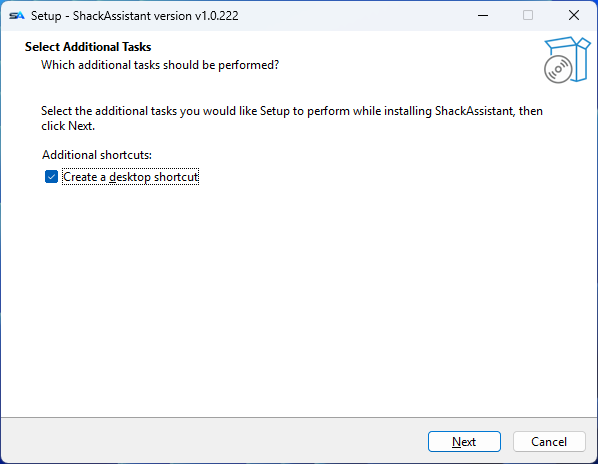
C:\Program Files\ShackAssistant). - Select Additional Tasks: the desktop shortcut is ticked. Untick it if you do not want one.
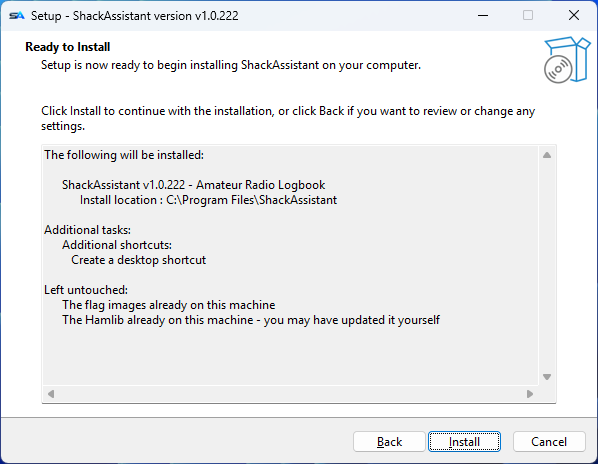
- Ready to install shows what you chose - and, on an update, what is left alone:
the
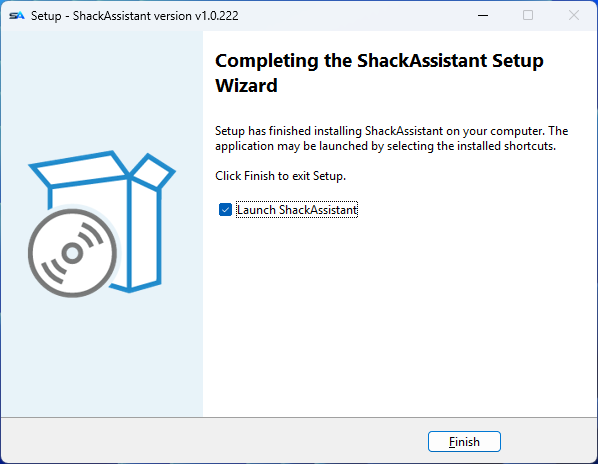
flagsfolder andhamlib, when they are already there. You update Hamlib yourself from Settings → Rig Control, so what is on the machine can be newer than what the installer carries, and putting it back would be a step backwards. Click Install. - When it is done, let it start ShackAssistant.
“Windows protected your PC”? Choose More info and then Run anyway. This is not a virus warning. Windows just has not seen this new installer often yet.